// OnSelect event of the Submit Button

// Step 1: Capture employee name from input field
Set(
    varEmployeeName,
    TextInput1.Text
);

// Step 2: Save data to Employees list
Patch(
    EmployeesList,
    Defaults(EmployeesList),
    {
        Name: varEmployeeName,
        Department: Dropdown1.Selected.Value
    }
);

// Step 3: Show success notification
Notify(
    "Record submitted successfully",
    NotificationType.Success
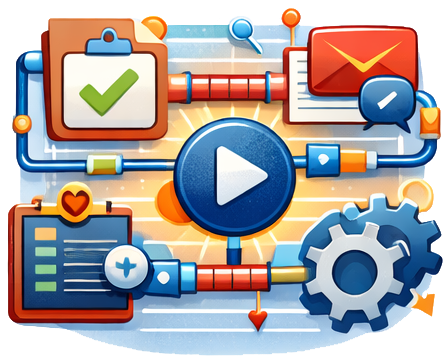
);Software-as-a-Service (SaaS) enables organizations to consume fully managed applications without managing servers, infrastructure, or updates, focusing entirely on business value. Microsoft Power Automate allows users to design event-driven workflows that connect cloud services, applications, and on-premises systems, automating repetitive tasks and approvals. Power Apps provides a low-code environment to build interactive applications for desktops or mobile devices, transforming manual processes into digital experiences. Logic Apps, similar in purpose but more developer-oriented, orchestrate complex integrations and enterprise workflows using visual designers or JSON-based templates, supporting triggers, actions, and conditional logic across hundreds of connectors.
Combining these tools delivers end-to-end automation and application solutions: Power Apps collects or displays information, Power Automate reacts to triggers or schedules tasks, and Logic Apps handles complex orchestrations across cloud and on-premises systems. The ecosystem reduces time to solution, increases productivity, and ensures governance through built-in monitoring, logging, and security compliance.